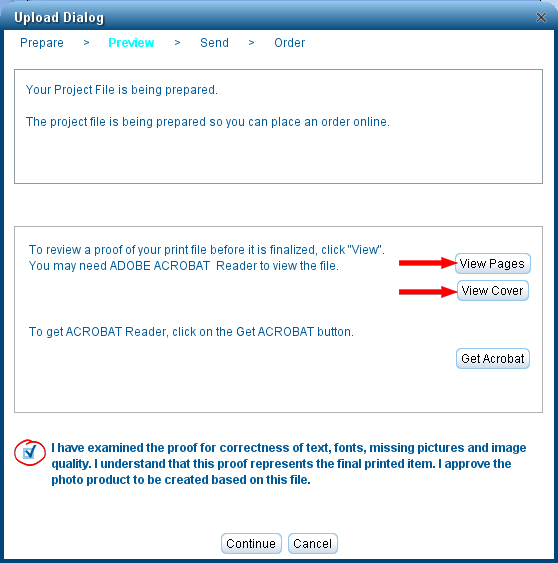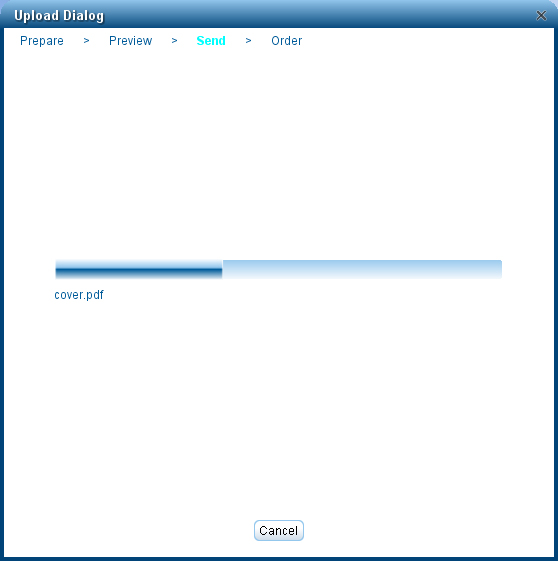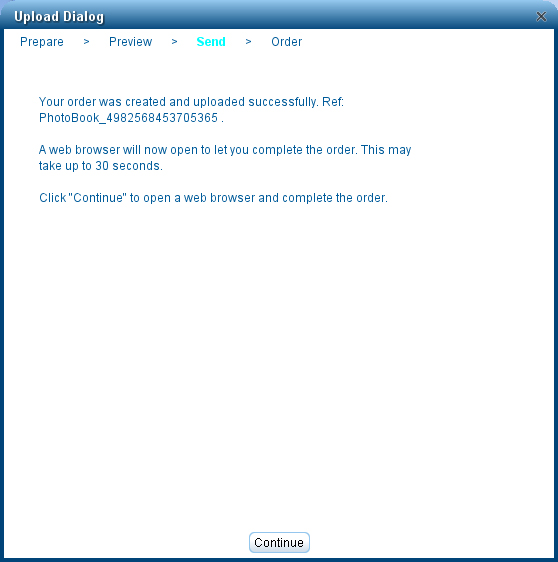

With your book open, click on the green Send to UBuildABook button in the top right corner. First you will be shown the Book Validation Report. It will give you a list of issues in your book Once you click on Proceed it will begin processing your files. You will now be able to view a PDF version of your book by clicking on the Once you click on Continue the upload process will begin. Once the upload is complete you will receive a conformation number. Once you click Continue a form will open that you will need to fill out. Make sure to pick the option that best matches your upload.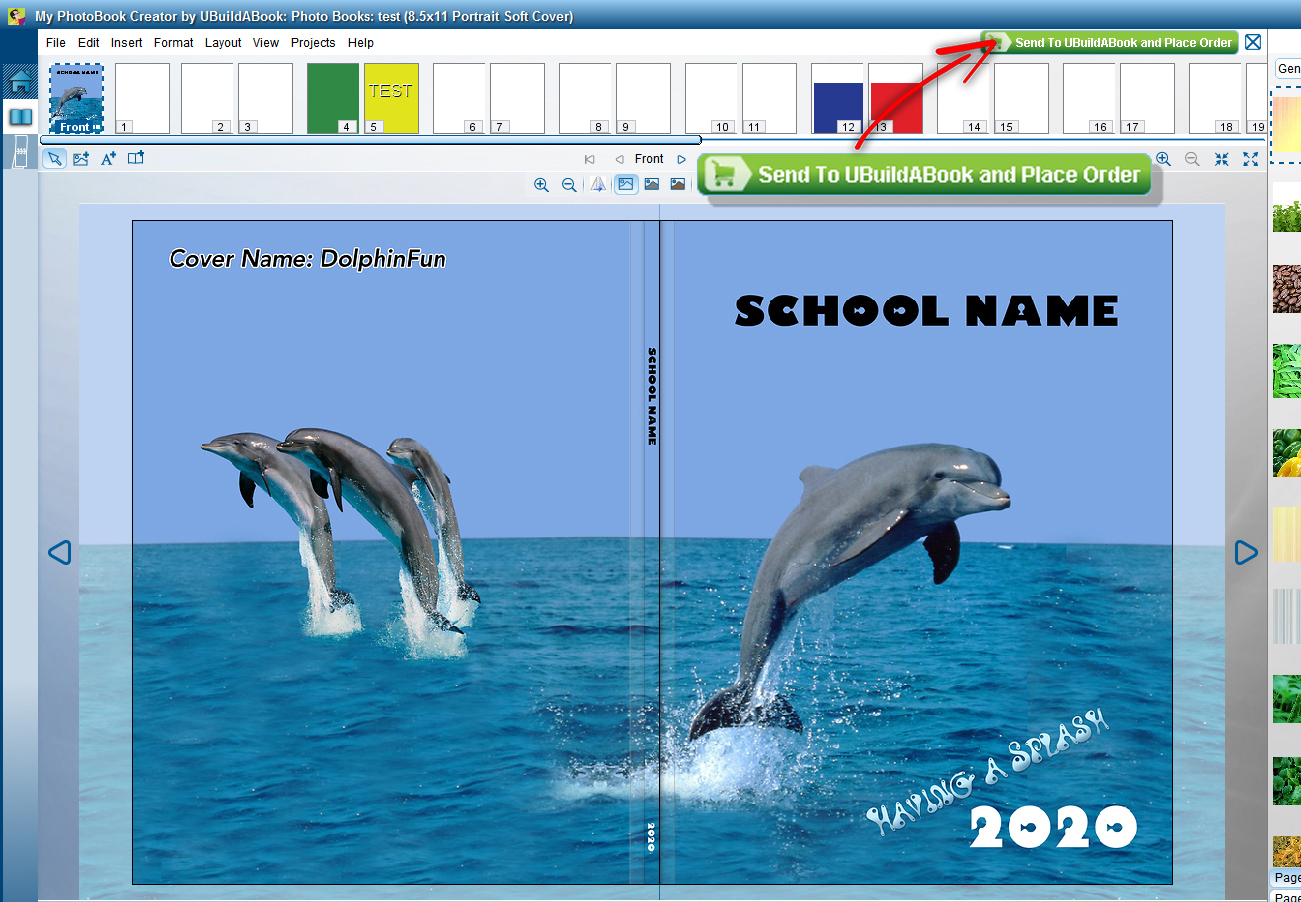
including Empty Pages, Empty Picture Frames, Empty Caption Boxes, Low Resolution Images, etc.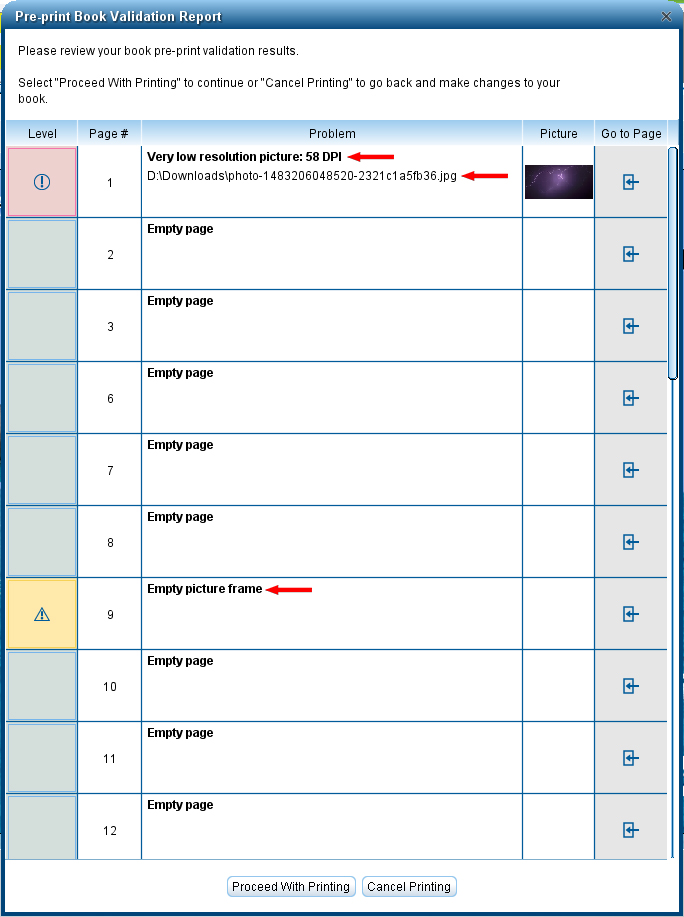

View Pages and Vew Cover buttons.
Once you have reviewed the PDFs of your book for any issues read the disclaimer
at the bottom and click on the check box to verify you have read it.